Cancel Productive Family Certificate User Guide
The first step
Log in to the productive families platform
Click on View Certificate

Step two
Click on the "Cancel Certificate" button.

Step 3
Select the reason for requesting the cancellation of the certificate.

Step Four
Click "Submit".

note
The request has been sent.

note
You can follow up on the status of the cancellation request from the My Requests box and view it by clicking on the service icon.
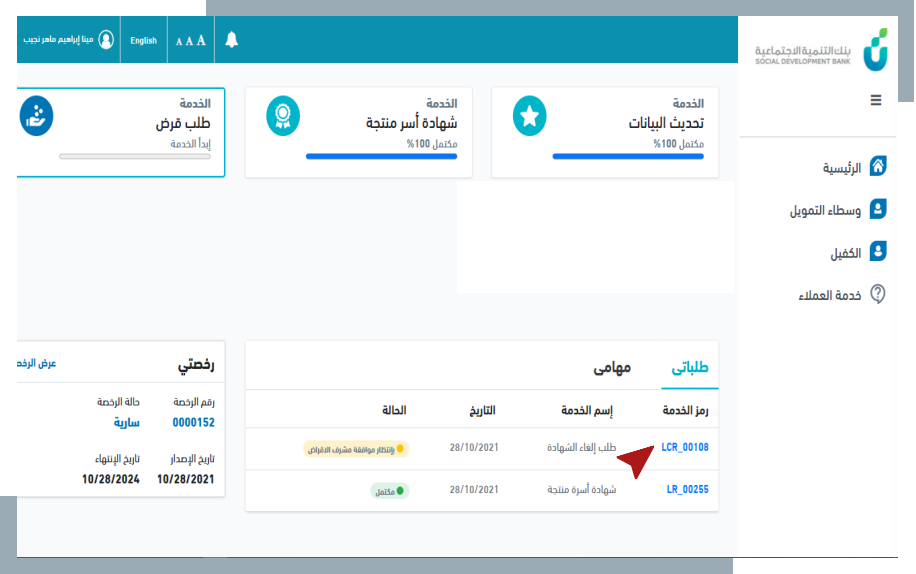

note
The certificate cancellation request will be approved automatically if the client does not have an existing loan contract.
In case of an existing contract, the certificate will not be cancelled.
