NTDP LendTechuser manual

The first step
Click on the Go to Service icon from the product page

Step two
After creating an account, click on the home page and submit a new request.

Step 3
Product selection IT

Step Four
Review the terms and conditions, then choose the branch and agree.

Step Five
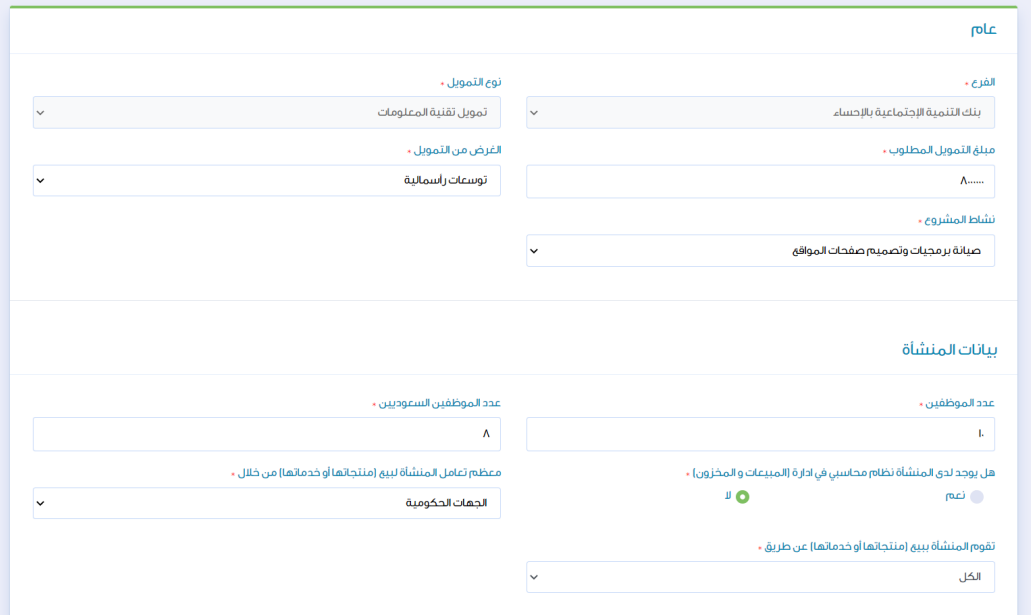
Data entry and registration
Step 6
After completing the filling, we save and complete the application.

Step Seven
Upload the required documents, save the files, then approve and send.
