Suspend Deduction for Deceased Customeruser manual

The first step
Login via National Single Sign-On

Step two
Enter your username and password.

Step 3
A temporary confirmation code will be sent to your registered mobile phone. Please enter it.

Step Four
Your account page will appear, here you can choose the desired order.

Step Five
Select Stop Deduction from the list of electronic services

Step 6
Select the Print Stop Discount option
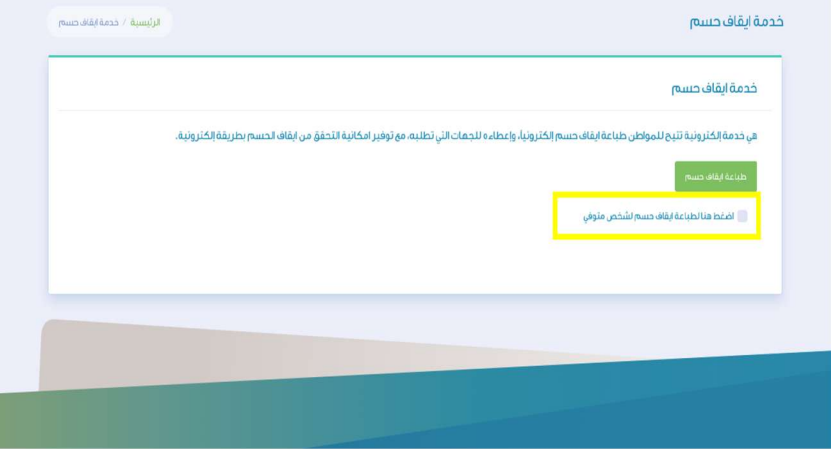
Step Seven
Fill in the data and choose the option to print the deduction of a deceased person

Step Eight
In this step, the service is evaluated at the bottom of the page.
