Request Overpayment Refunduser manual

The first step
Click on the “Go to Service” icon at the top of the service page.

Step two
Login via the National Single Sign-On Portal

Step 3
Enter your username and password.

Step Four
A temporary confirmation code will be sent to your registered mobile phone, please enter it and then click on “Continue”.

Step Five
Select “Recover Overpayments” from the list of e-services.

Step 6
If there is an additional amount, the submission icon will appear.

Step Seven
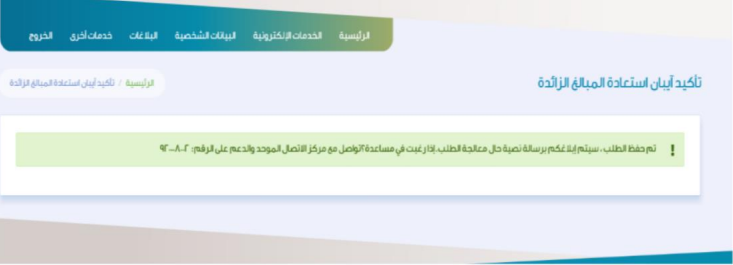
The IBAN number is confirmed and the request is saved. The customer will be contacted once the request is processed.
Step Eight
In this step, the service is evaluated at the bottom of the page.
