Installment Payment Account Detailsuser manual

The first step
Click on the icon that appears at the top of the home page for logging in.

Step two
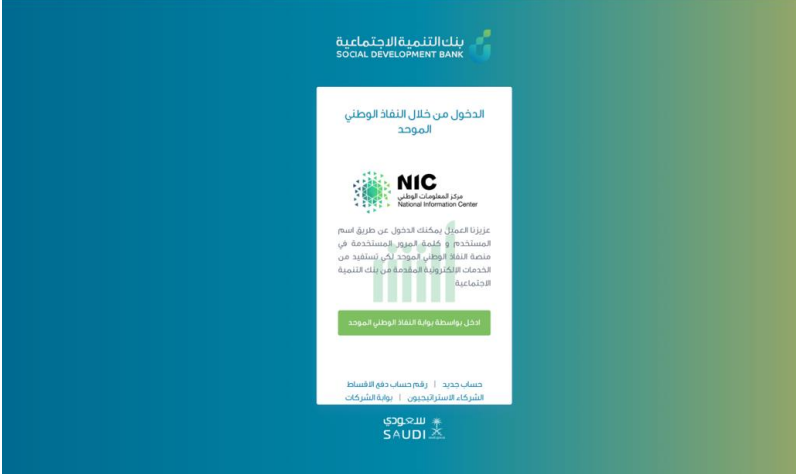
Login via the National Single Sign-On Portal
Step 3
A temporary confirmation code will be sent to your registered mobile phone, please enter it and then click "Continue"

Step Four
Your account page will appear, here you can click on select the desired request

Step Five
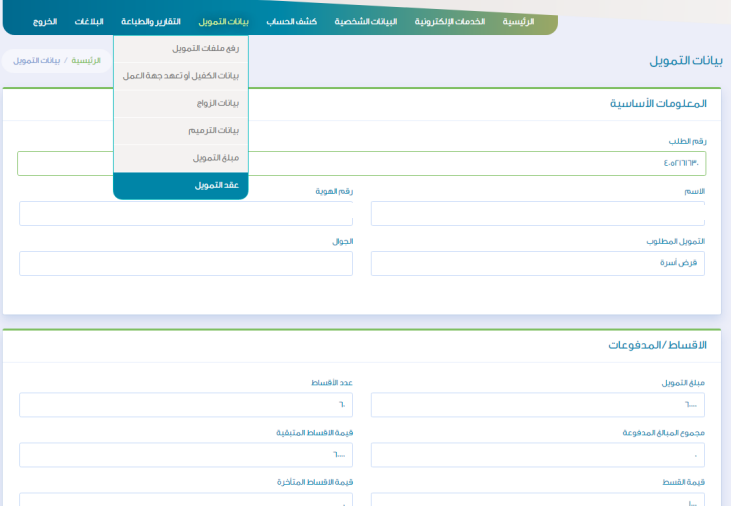
From the “Financing Data” menu at the top of the page, select the “Cancel Request” service.
Step 6
The account number designated for payment of installments will appear in your financing contract.
