Book an appointmentuser manual

The first step
From the quick access bar at the top of the page, click on the icon

Step two
Login via the National Single Sign-On Portal

Step 3
From the list of electronic services, choose to book an appointment to visit the branch.

Step Four
My Appointments page will appear, click on Add Appointment and you will be prompted to add an appointment.

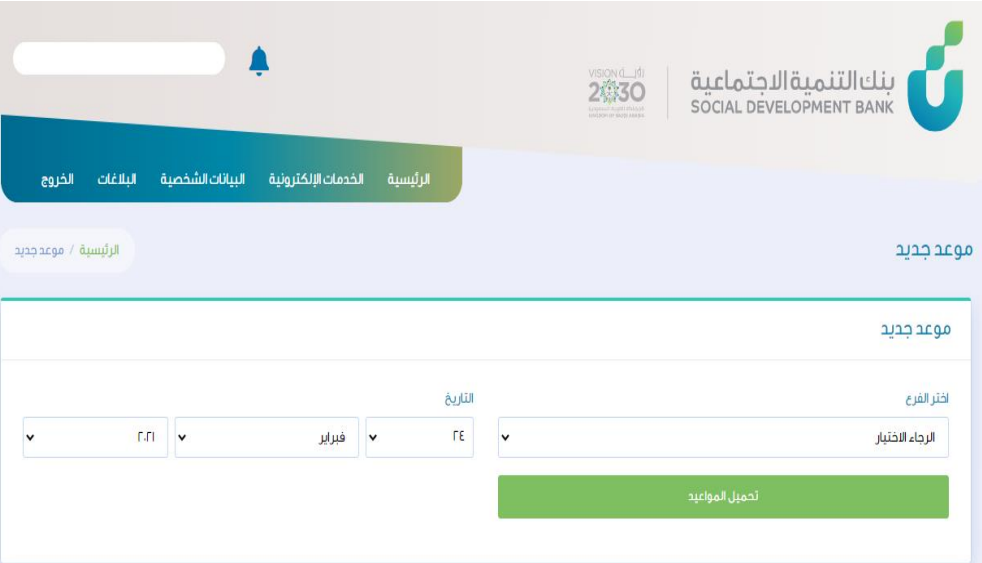
Step Five
Select branch and appointment date
Step 6
Available appointments will appear, choose the appropriate appointment

Step Seven
The appointment data will appear, then you can choose the type of service provided and then click on the Save Appointment button.

Step Eight
The appointment details and type of service will appear, with the ability to add an appointment or cancel a previously scheduled appointment.
