User Manual
Create a new account on the bank's electronic portal

Step OneLogin via the National Single Sign-On Portal | 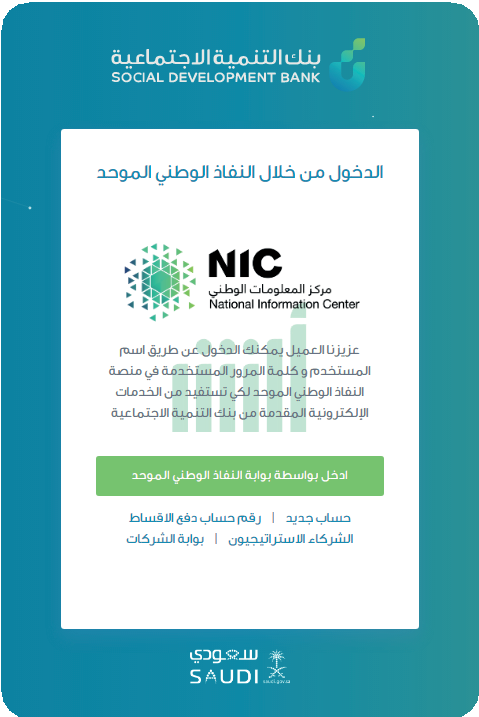 |
Step 2Fill in the required data to log in | 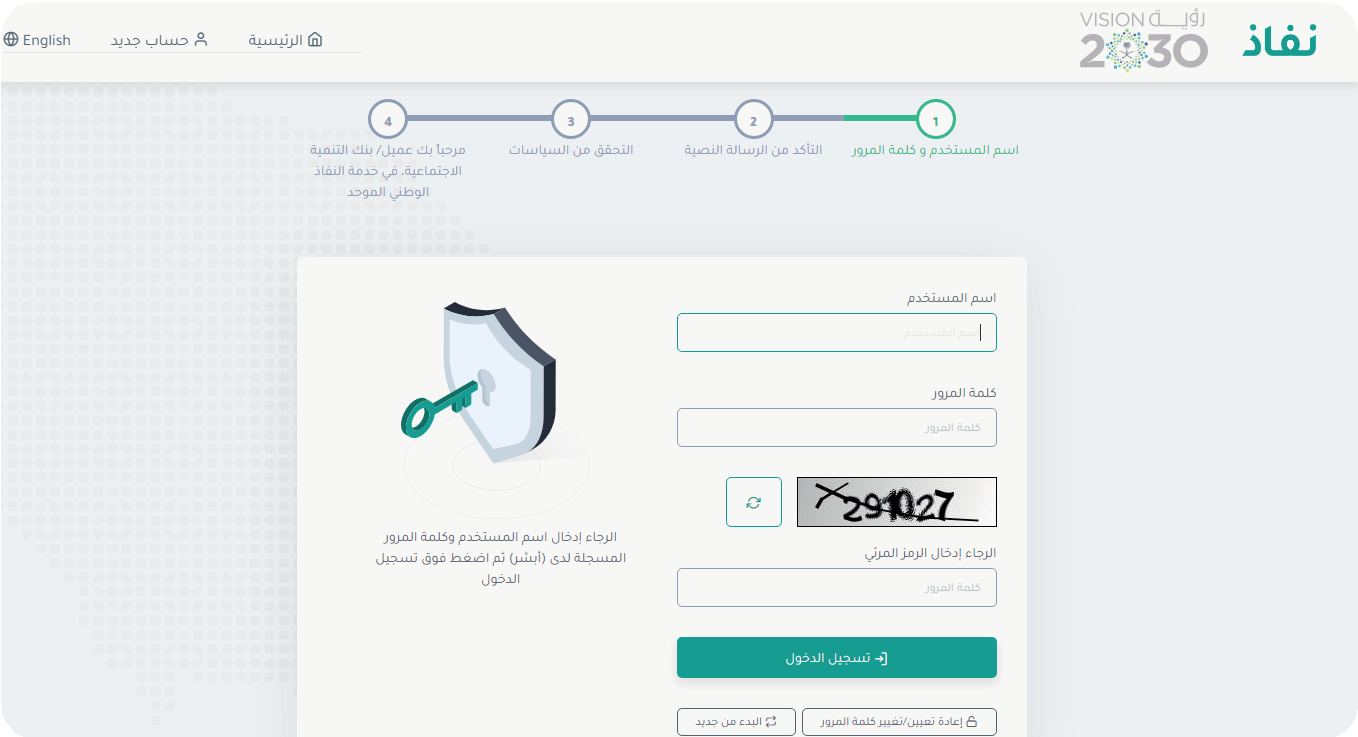 |
Step ThreeEnter the verification code sent to the mobile phone | 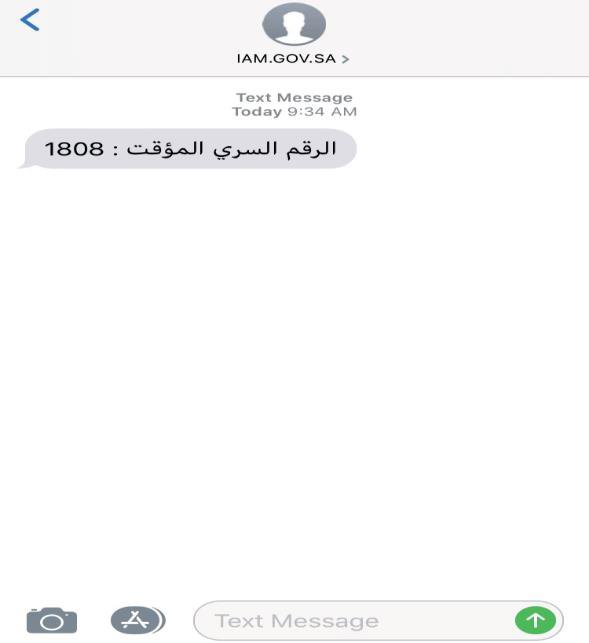 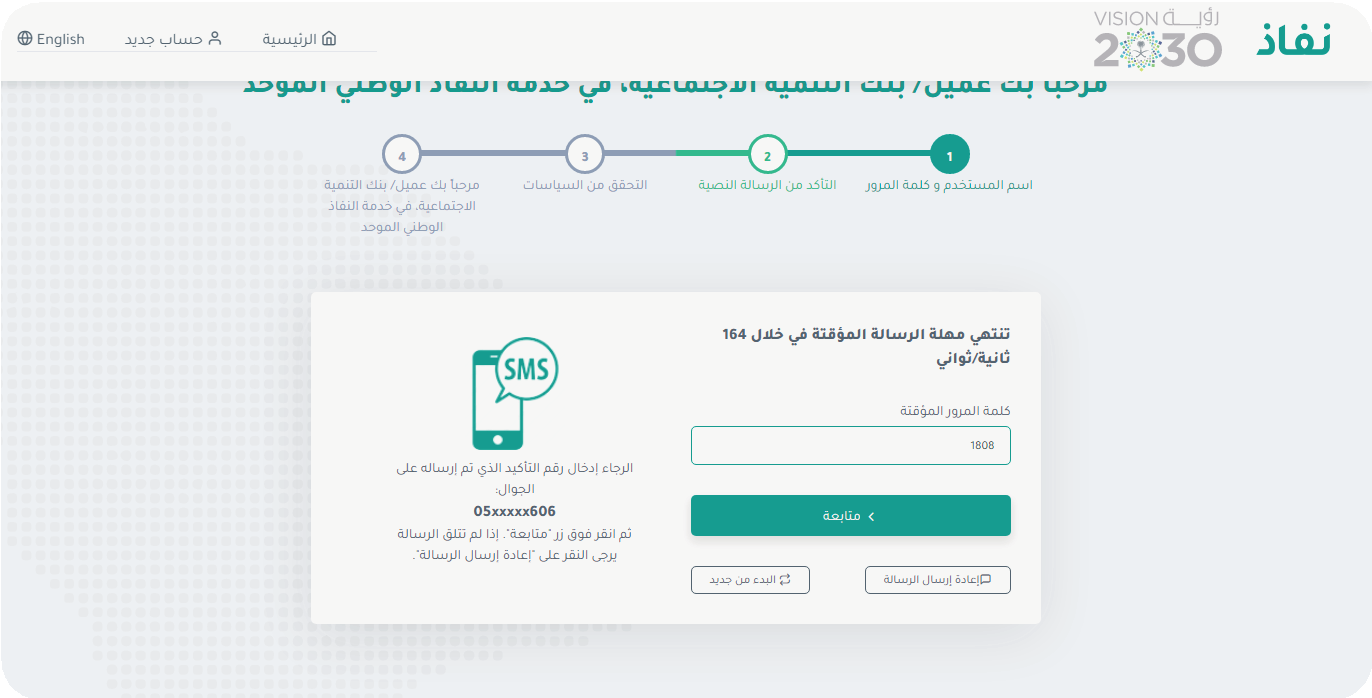 |
Step FourFill in the required data | 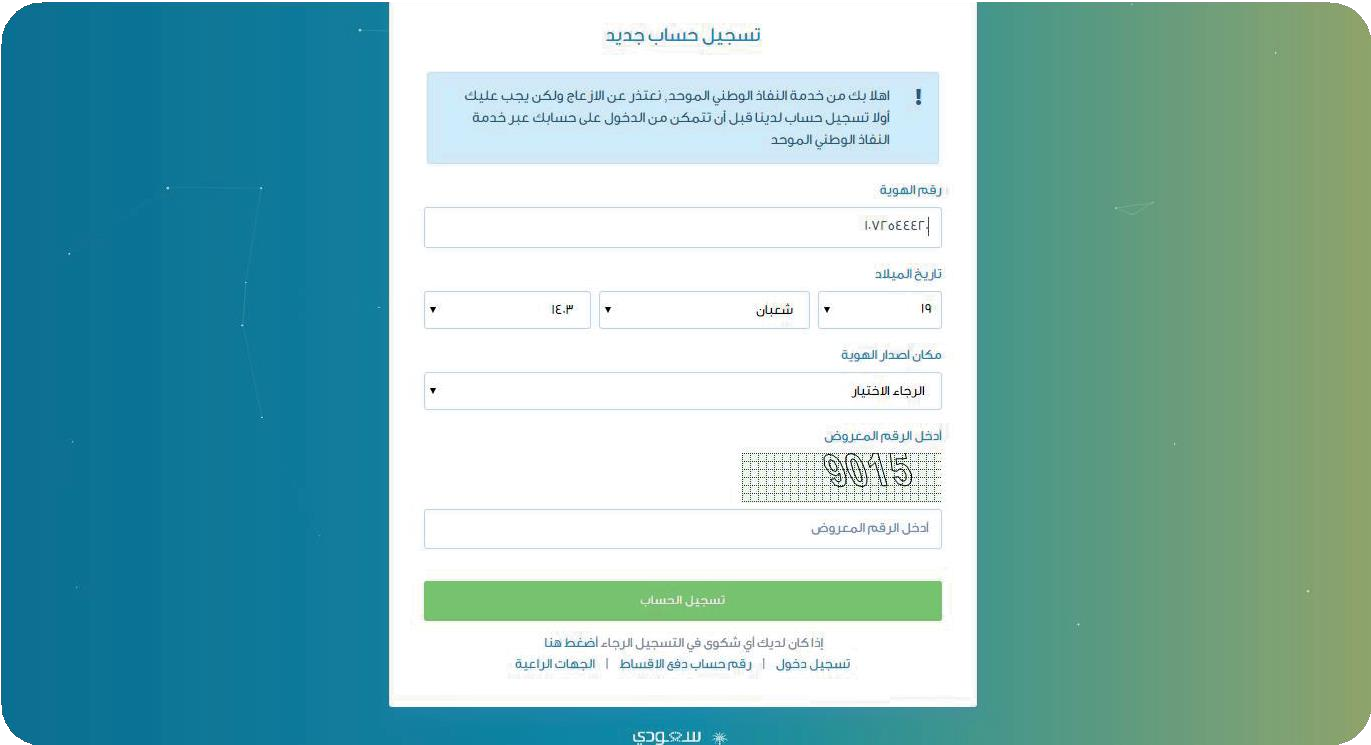 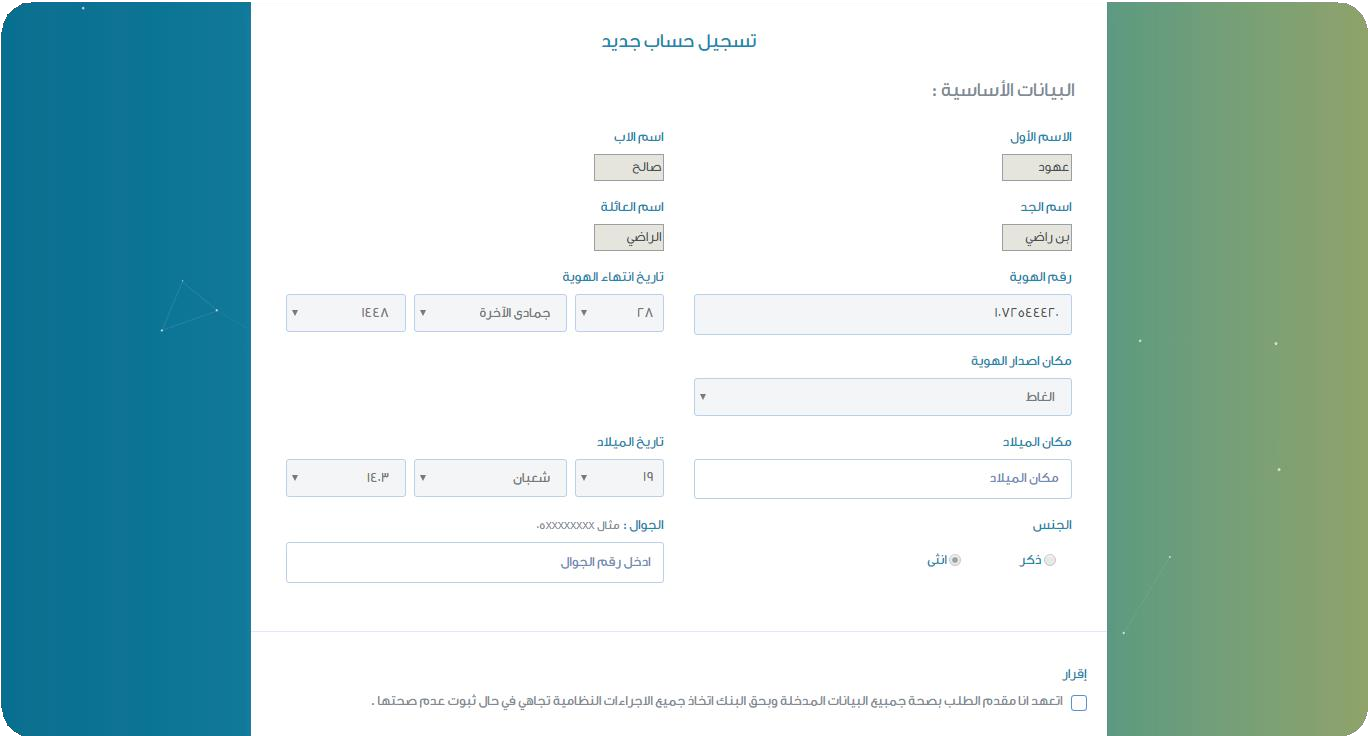 |
Step FiveEnter the activation code sent to the mobile | 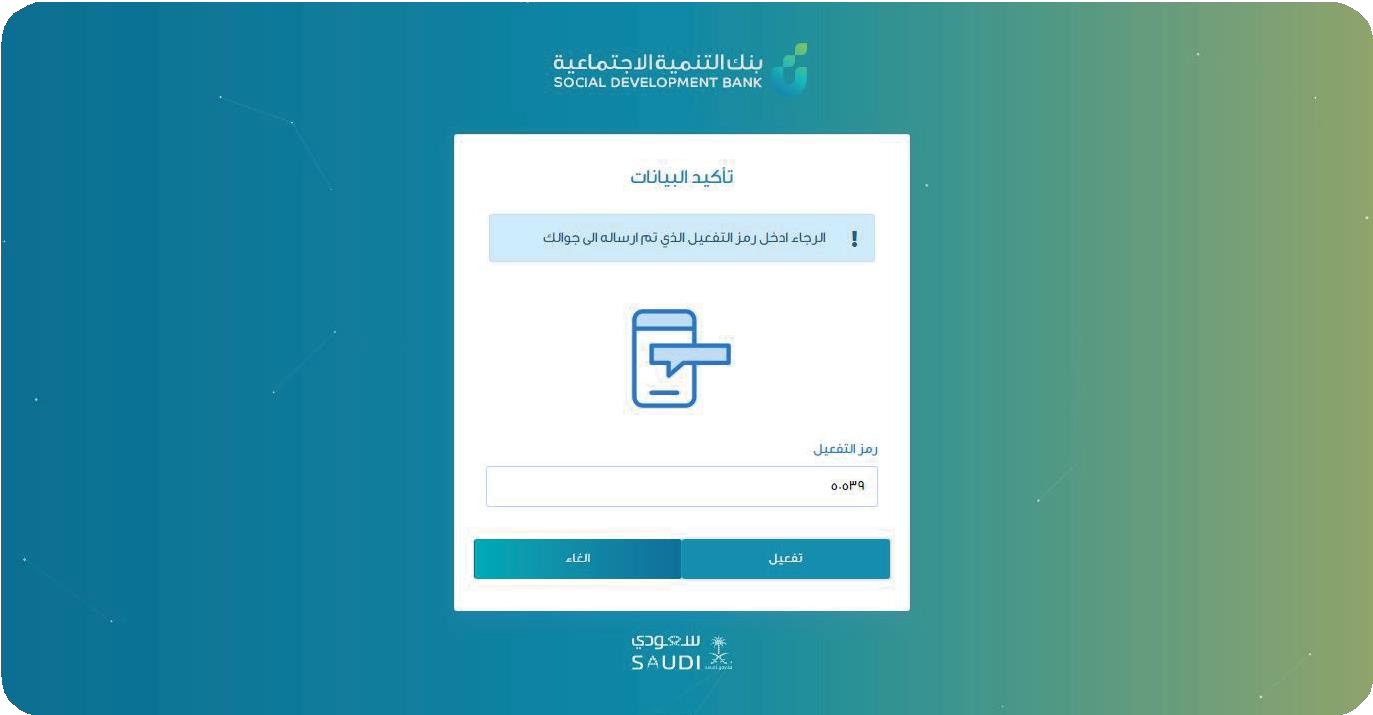 |
Step 6Page created successfully | 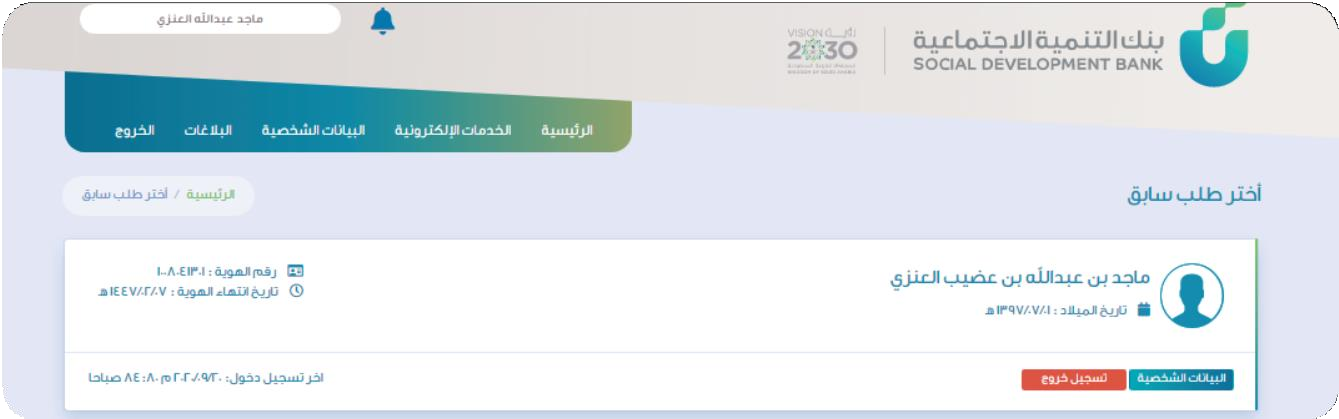 |
Advantages of the electronic portal
All data and information related to the requested financing can be viewed
The customer can modify some data such as the mobile number
Two-way message box service: Clicking on the alerts icon displays the message box
The message can be viewed by clicking on its title
The customer can respond to a message and a report is created to follow up on this response
The response can be followed up through the reports page by clicking on the details of the required message report
When applying for a new financing request, the service lists change according to the type of financing required
Users of (companies) services can create an account through the access portal and view the financing data
Users of (companies) can modify the data through the portal
The customer can save the request at the various application stages and return to complete the application through the main menu options